
Android version of Google Docs, Sheets and Slides only have basic features, and such a pain to work for real editing. Opening web-apps version in browser such a chrome also sometimes tricky, and UX is cluttered with browser own controls.
If you have Android Tablet with Keyboard and Mouse/Trackpad like me, and don’t care about work in online mode, you can just use my simple WebView wrapper Android Apps for accessing Docs, Sheets and Slides.
Source can be found in my github:
Virtual Mouse
Here some screenshots:
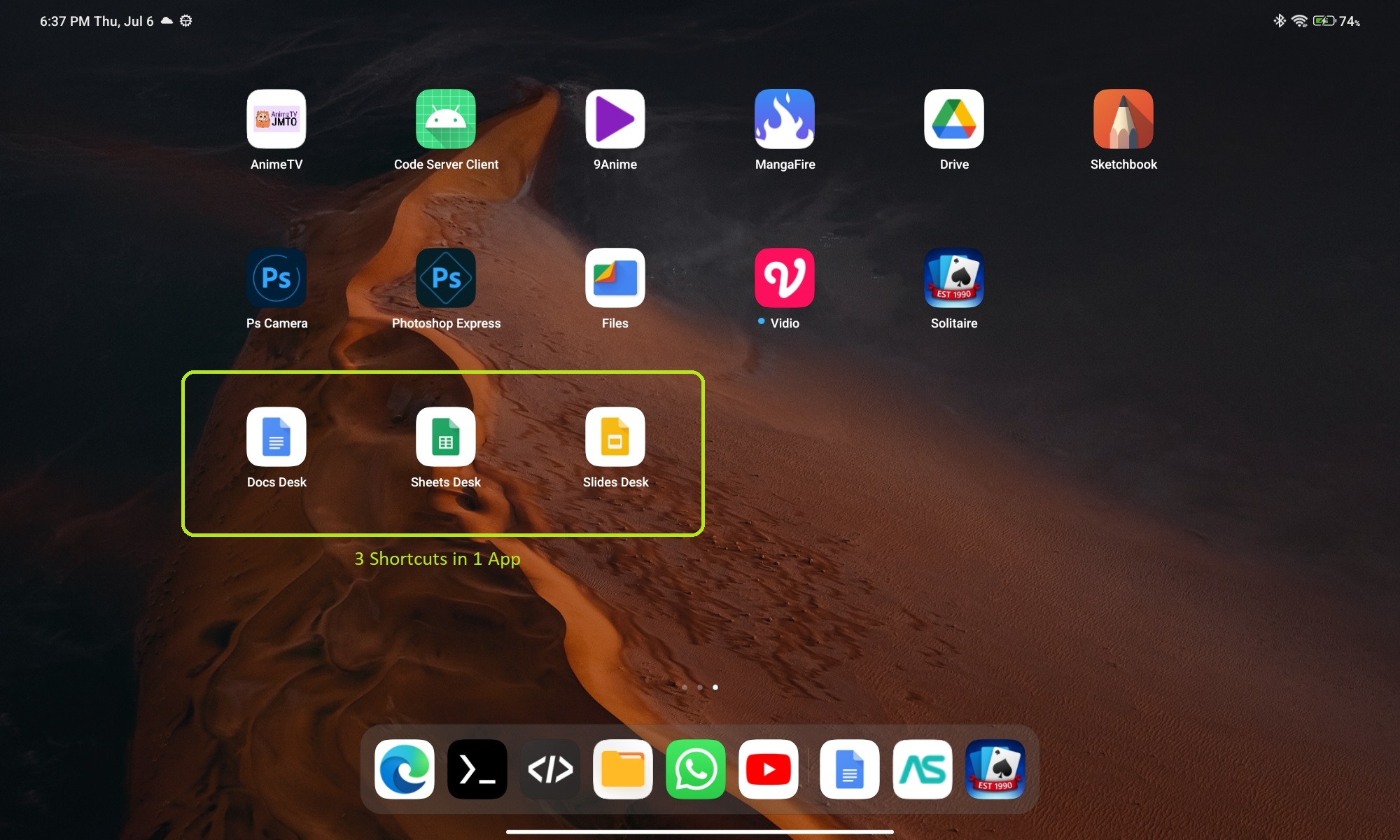
3 Shortcuts in 1 Apps
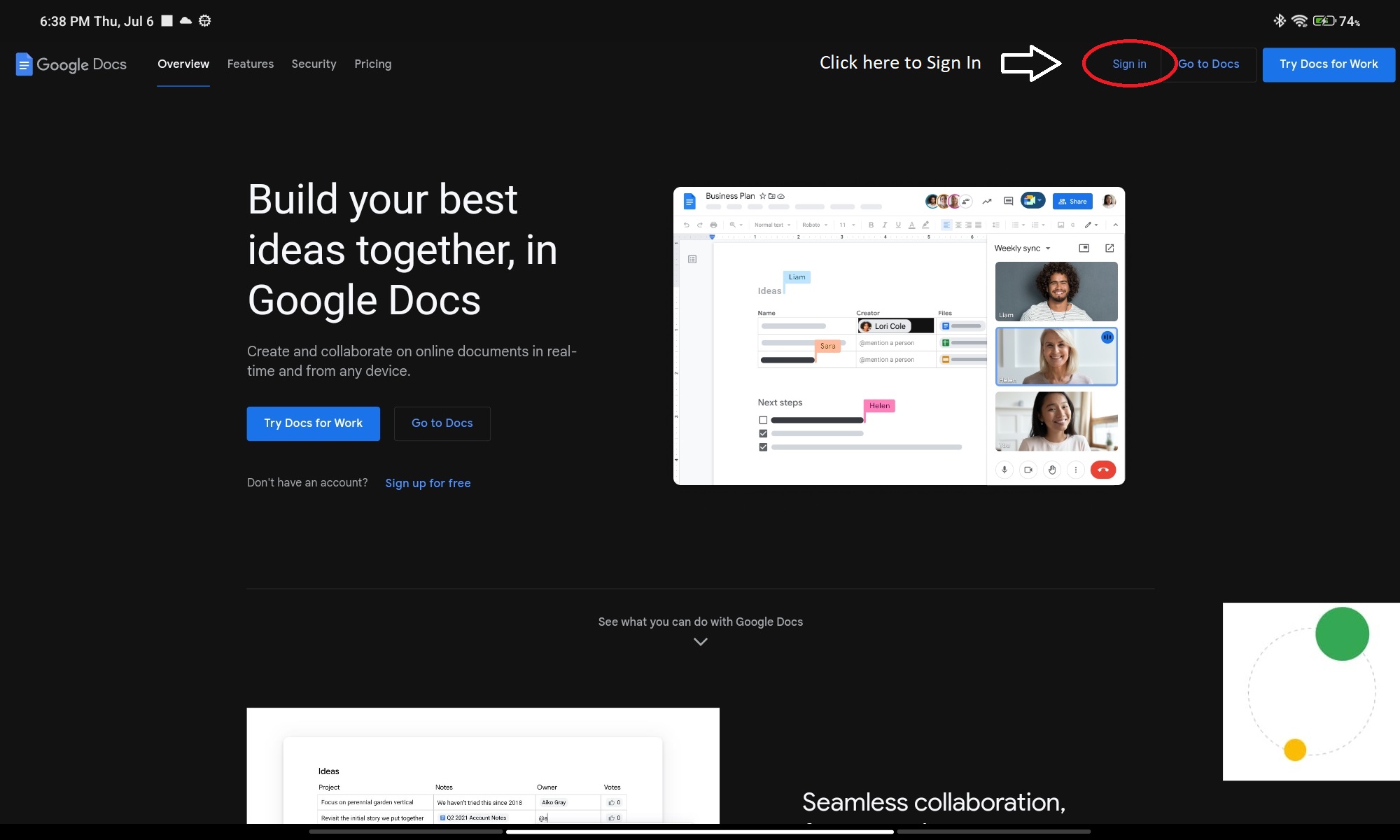
Before Sign In
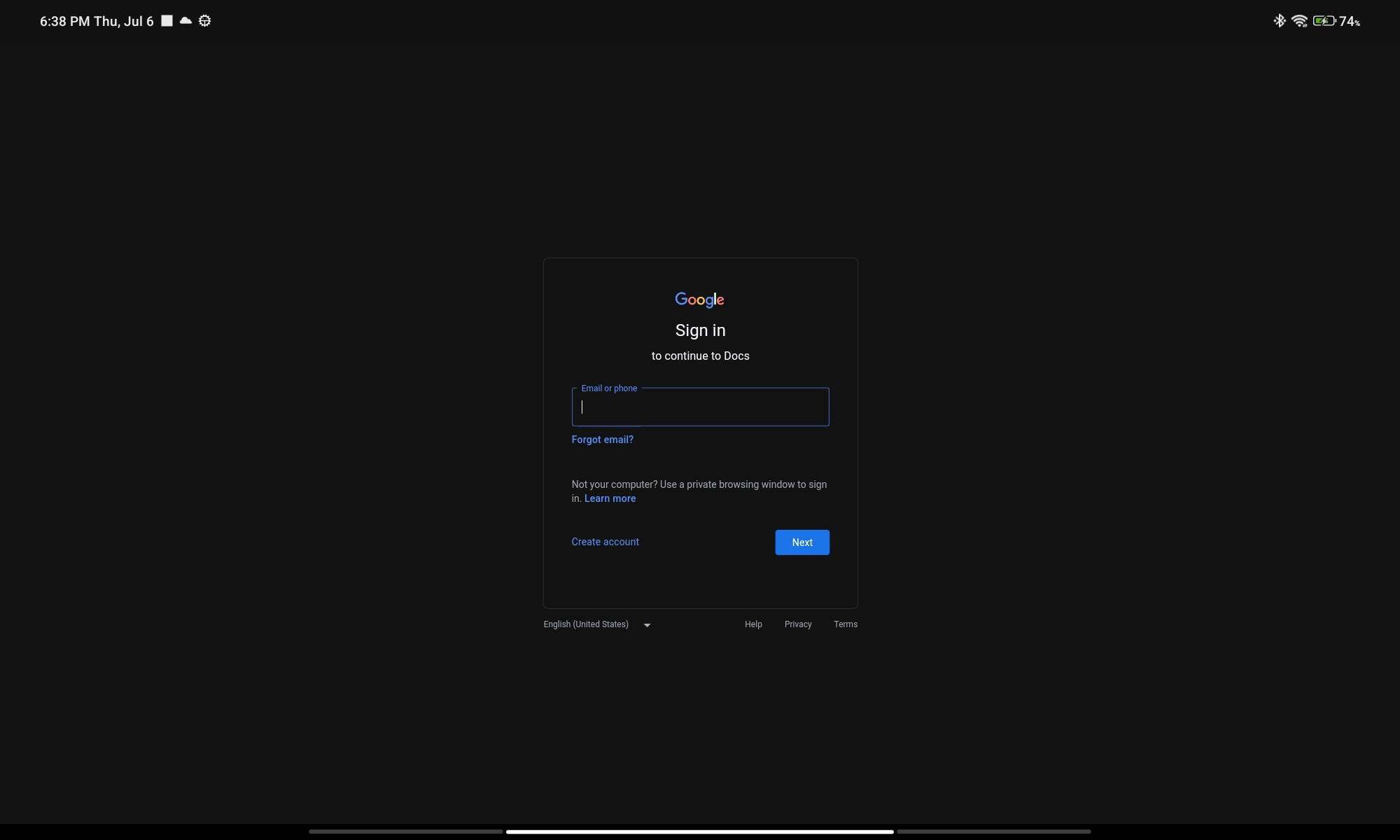
Sign In Form
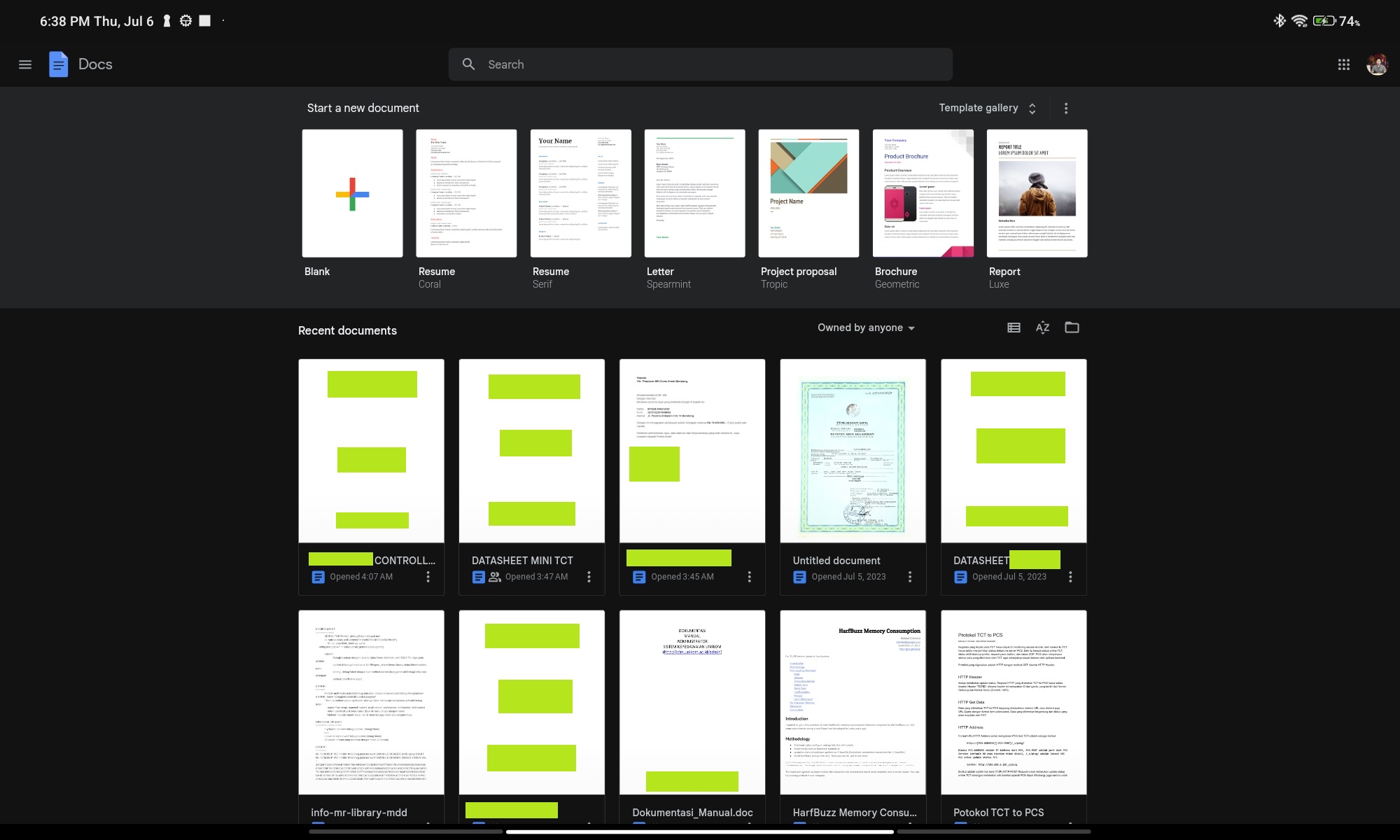
Docs Home
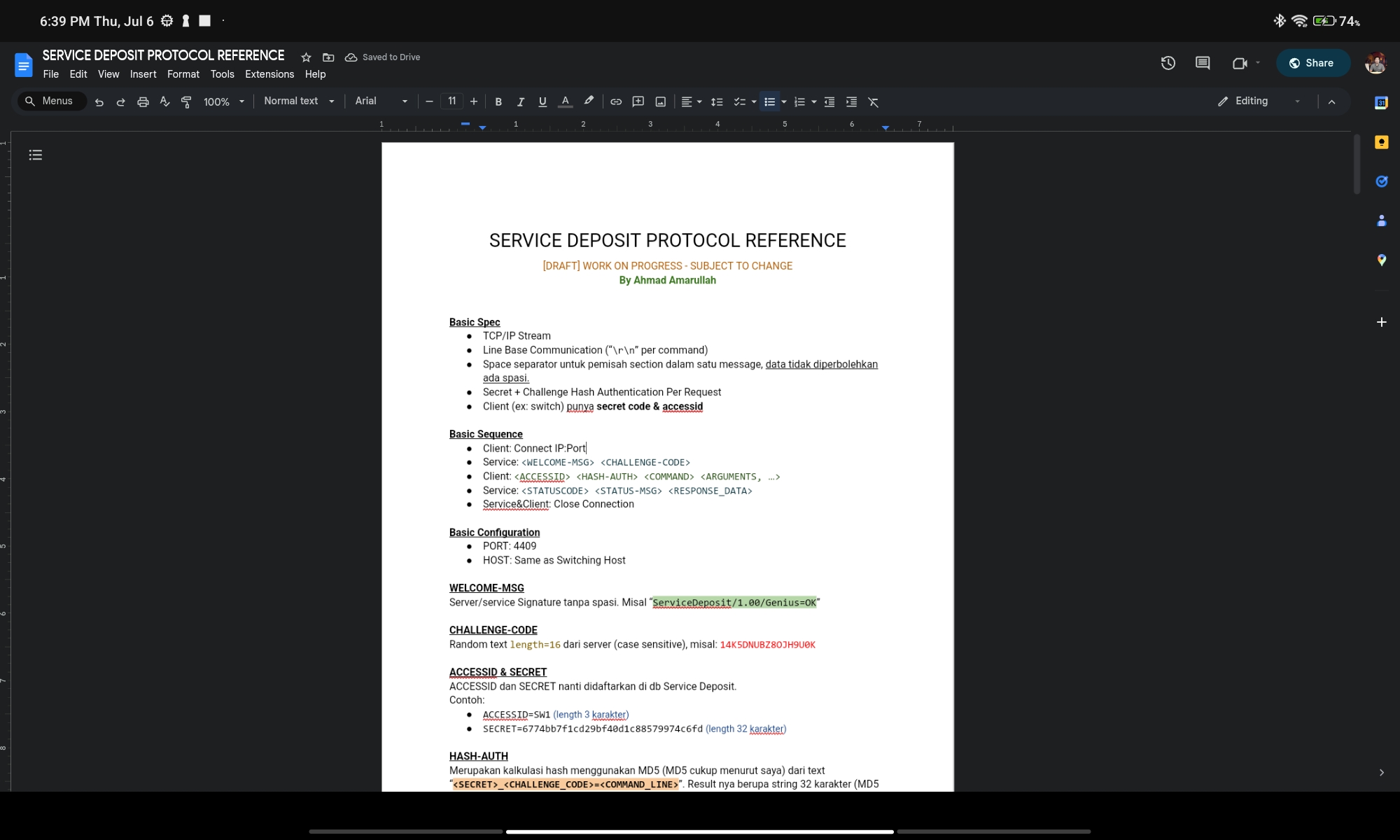
Docs Editing
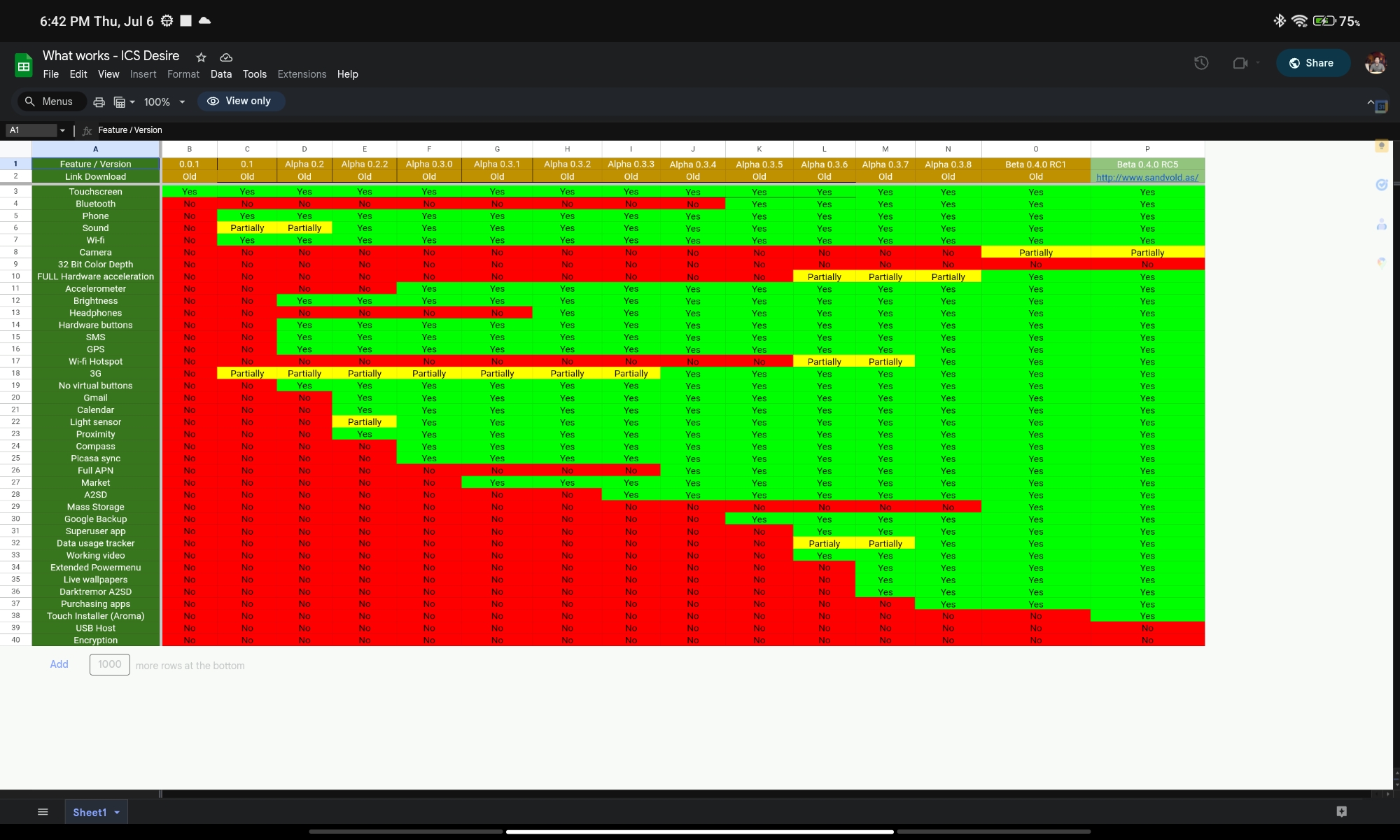
Sheets Editing

Slides Editing
Download
Go to Release page to get Latest Build: https://github.com/amarullz/GDocsDesk/releases
 amarullz.com